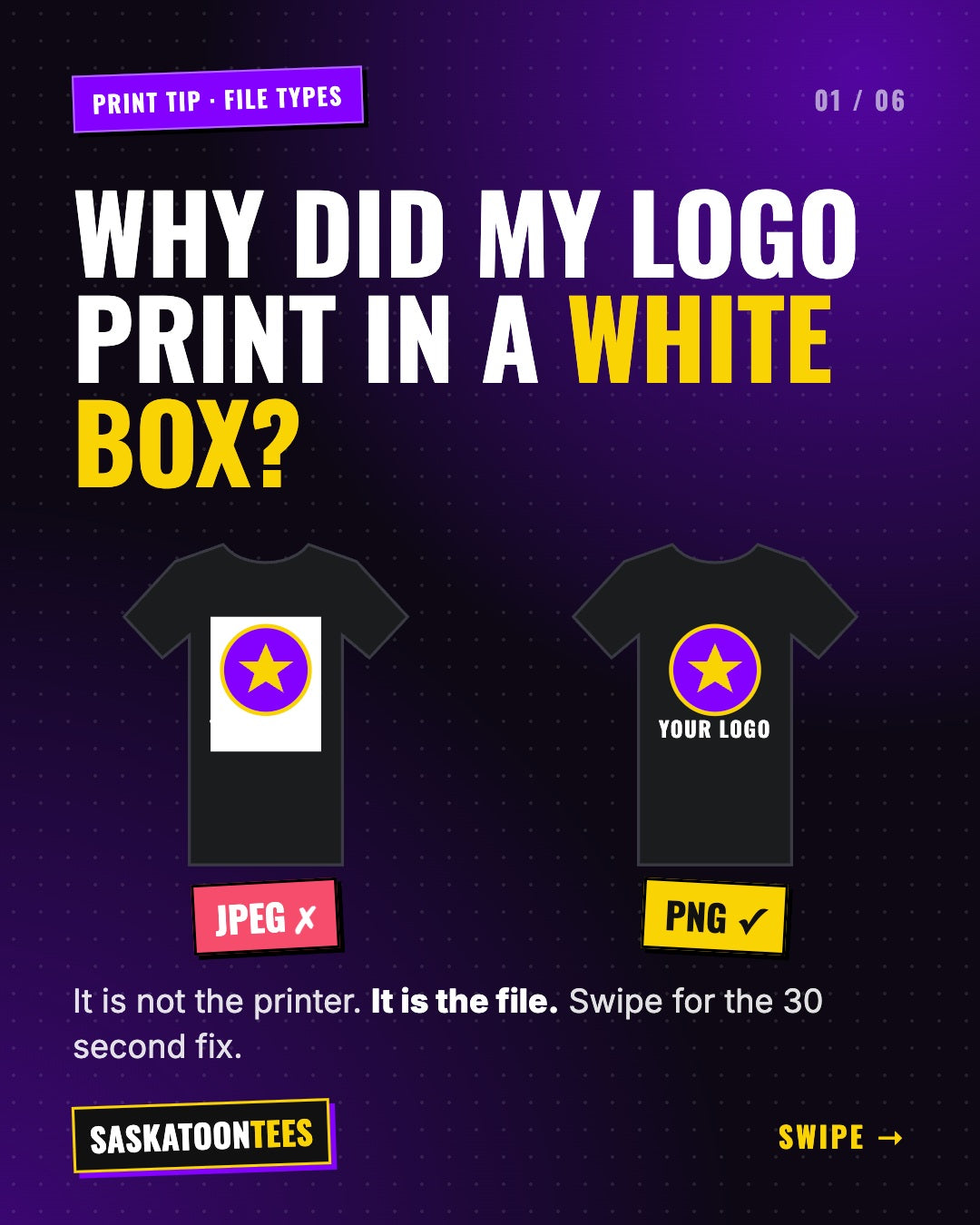
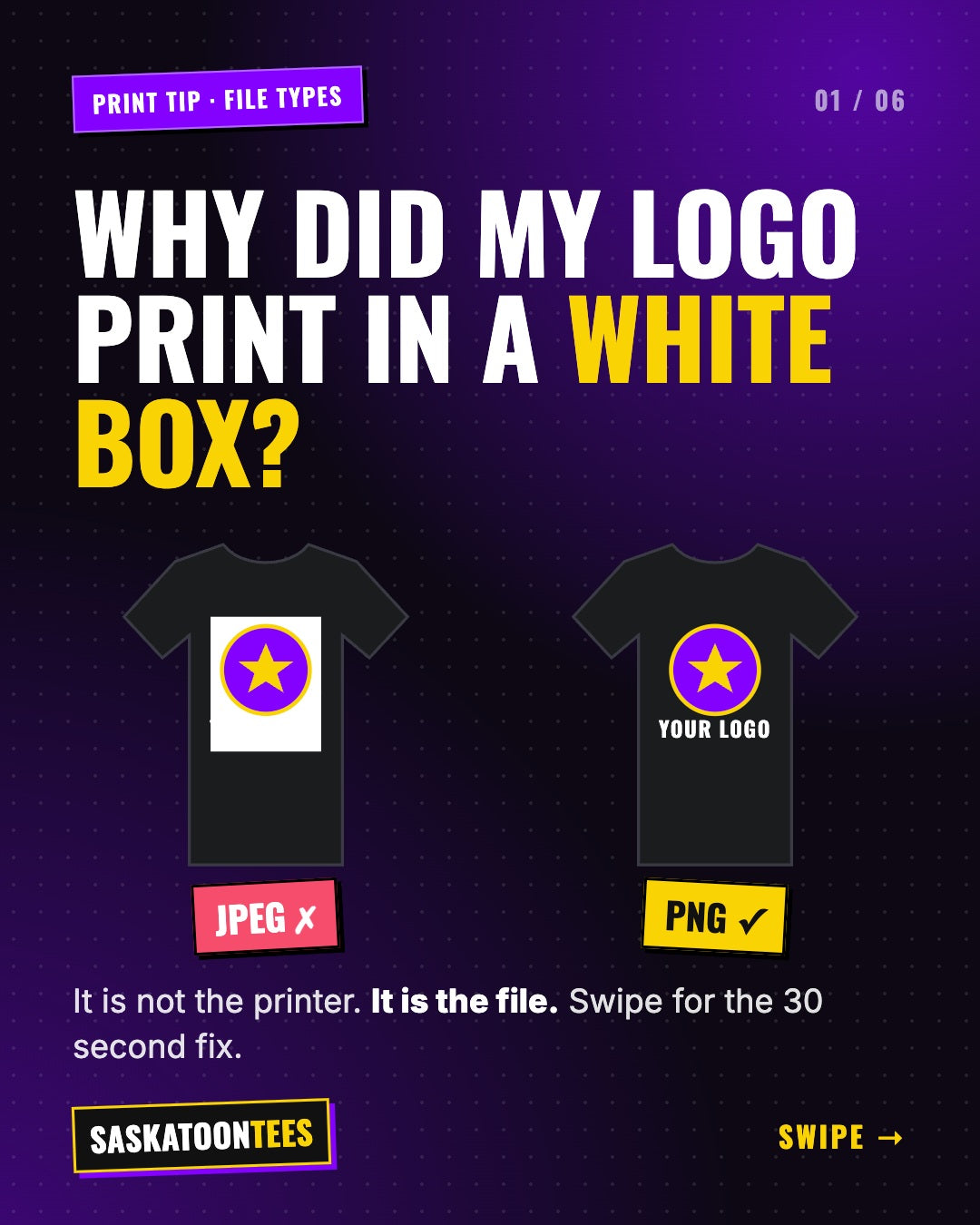
You sent us your logo, it looked perfect on your phone, and then the mockup came back with a white box around it. It happens all the time, and it is almost never the printer. It is the file type. Here is the difference between a JPEG and a PNG, in plain English, and exactly what to send us for a clean print.
The short answer
For printing on shirts, hoodies and DTF transfers, send a PNG with a transparent background. A JPEG cannot be transparent, so whatever background it has, usually white, gets printed too.
What is the difference between a JPEG and a PNG?
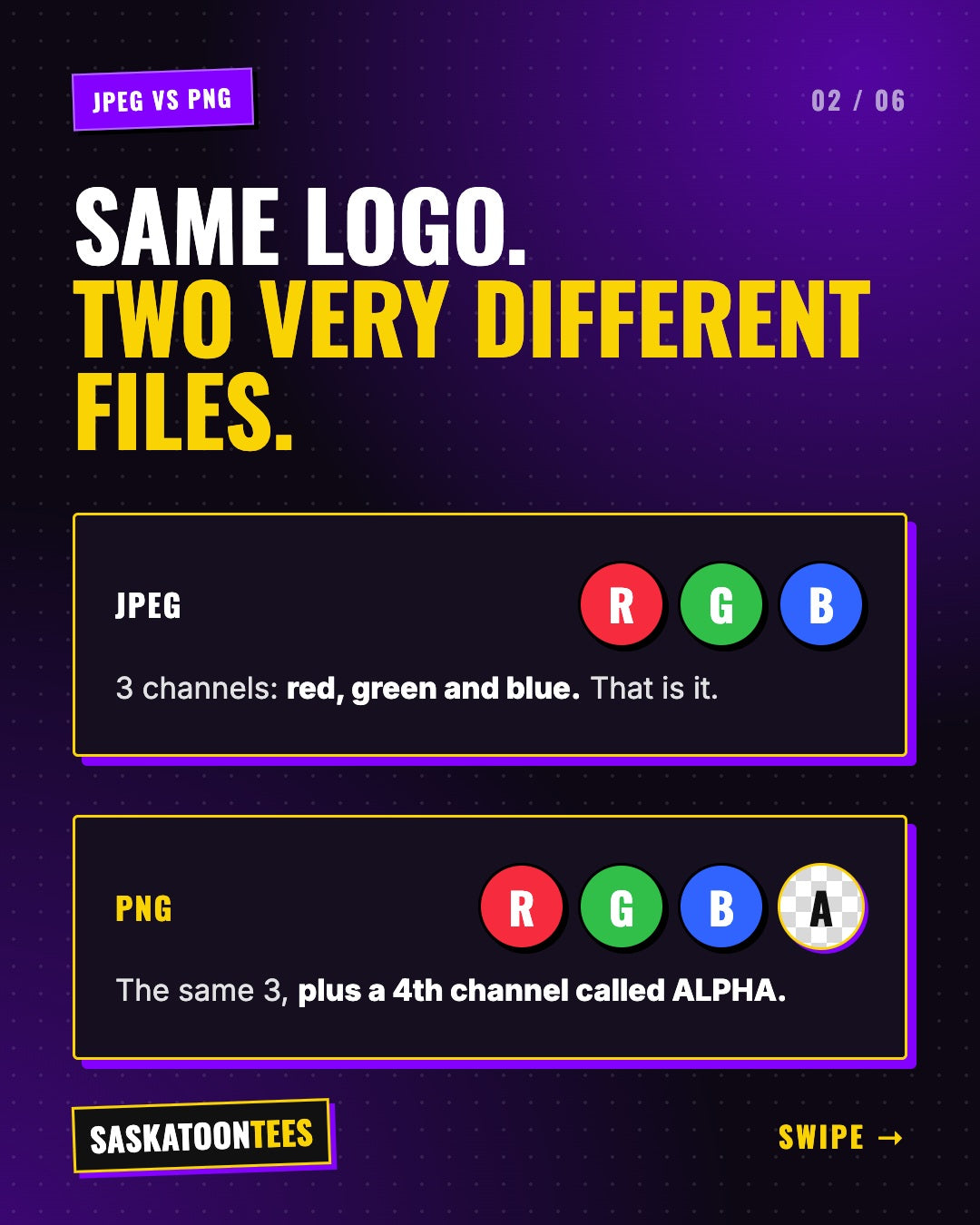
Every digital image is made of colour channels. A JPEG stores three of them: red, green and blue. A PNG stores those same three, plus a fourth channel called alpha.
What is an alpha channel?
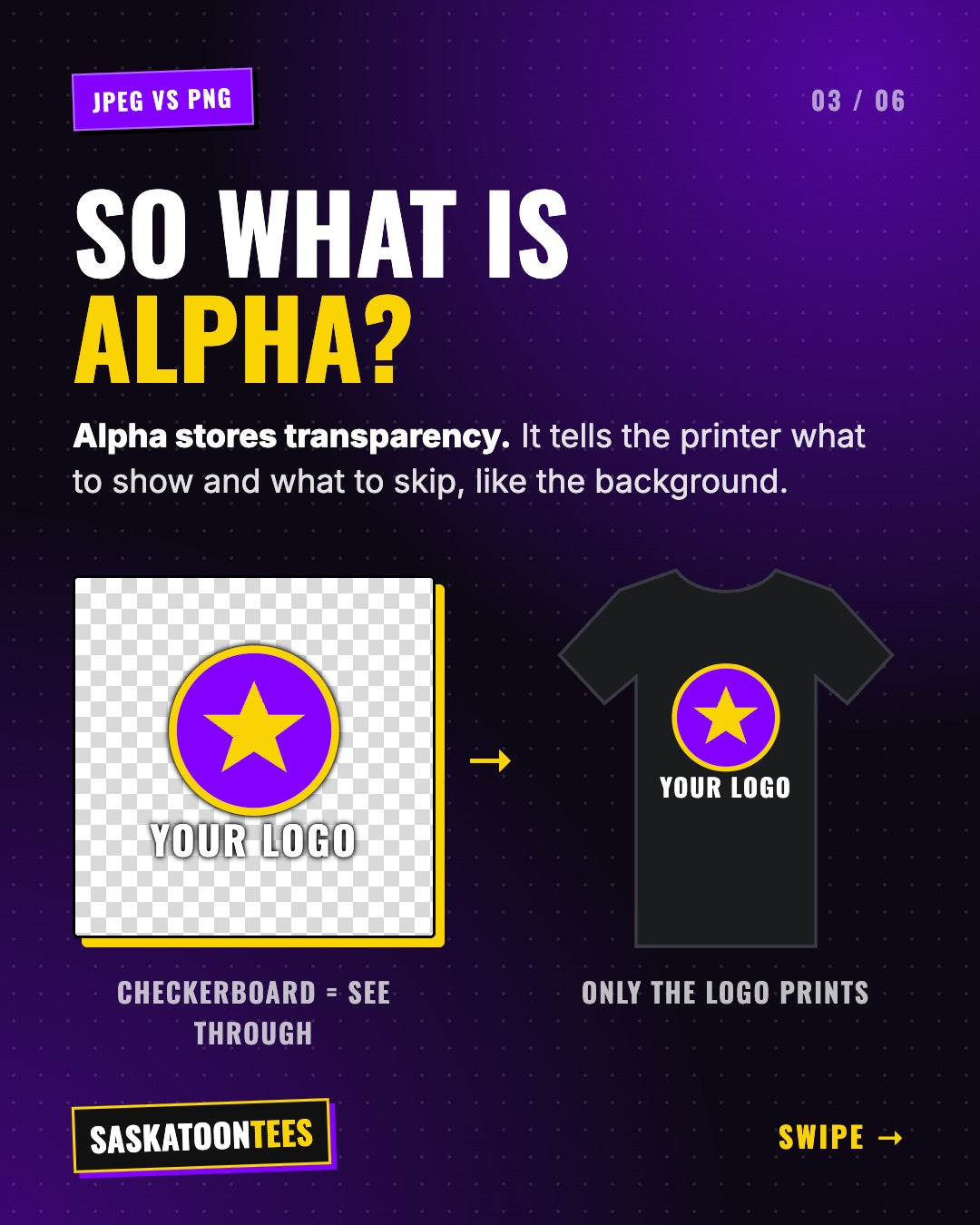
The alpha channel stores transparency. It tells the printer which parts of the image to show and which parts to skip, like the background around your logo. In design apps, transparent areas show up as a grey and white checkerboard. On the shirt, only your logo prints and the fabric shows through everywhere else.
Why a JPEG gets worse every time it is saved
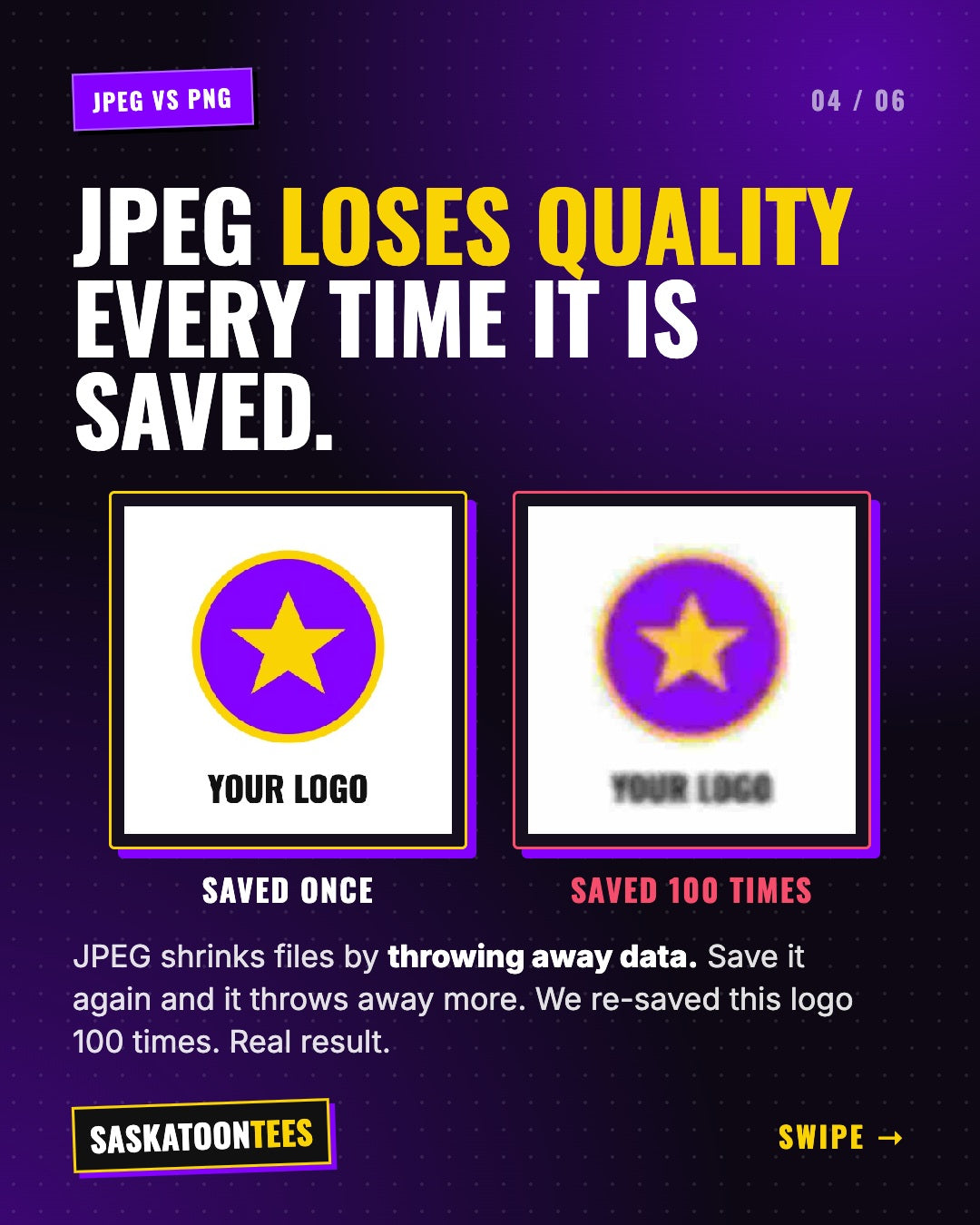
JPEG keeps file sizes small by throwing away detail you might not notice at first. Every time a JPEG is opened, edited and saved again, it throws away a little more. Edges get soft, colours bleed and blocky artifacts show up around text. We re-saved the same logo as a JPEG 100 times to show what happens.
A PNG is lossless. The file is bigger, but the quality stays exactly the same no matter how many times you save it.
JPEG vs PNG at a glance
| JPEG | PNG | |
|---|---|---|
| Transparent background | No | Yes |
| Quality after saving again | Drops each time | Stays sharp |
| File size | Smaller | Bigger |
| Best use | Photos for the web | Logos and shirt designs |
What file should I send for my custom shirts?
- PNG file (or a vector file like SVG, AI, EPS or PDF if you have one)
- Transparent background, no white box
- 300 DPI at print size. For a full front print that is about 3000 pixels wide.
- The original file, not a screenshot or a photo saved from social media
Quick test: open your PNG on top of a dark background. If you see a white rectangle around the logo, the background is not transparent yet.
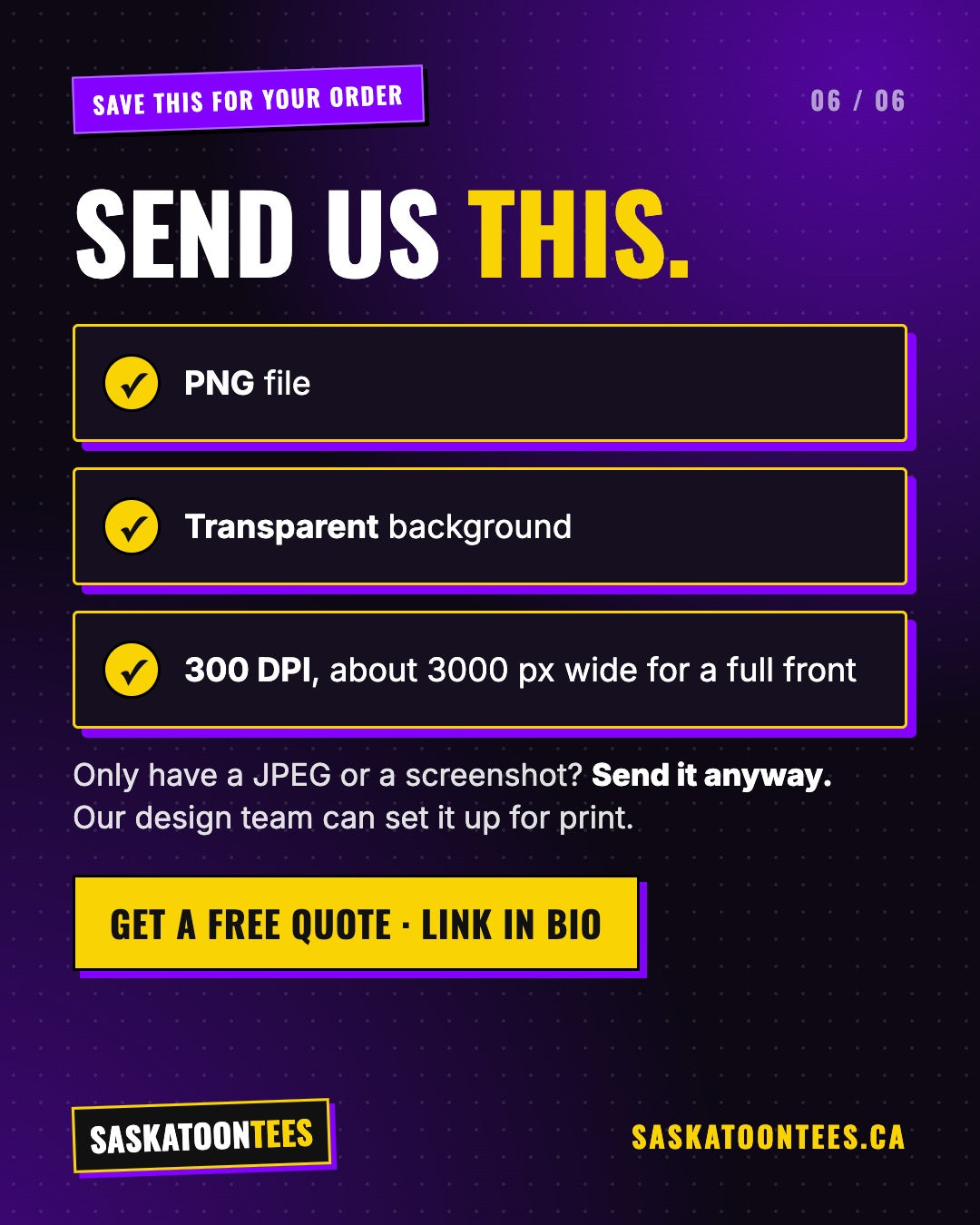
Only have a JPEG, a screenshot or a blurry logo from Facebook? Send it anyway. Our design team can remove the background and set it up for print. For more tips, read how to get your logo print ready and why colours look different on a printed shirt.
Send us what you have
We check every file and send you a mockup before anything prints. No minimums, printed right here in Saskatoon.
Upload my artworkGet a free quoteFrequently asked questions
Can I print a JPEG on a shirt?
Yes, but any background in the JPEG will print too. We can remove the background for you as part of our design help.
Is PNG better than JPEG for DTF transfers?
Yes. DTF transfers need a transparent background, so a high resolution PNG is the best file to send.
What resolution do I need?
300 DPI at the size you want printed. For a full front print, that is roughly 3000 pixels wide.
Will you check my file before printing?
Yes. Every custom order gets a mockup first, and we flag anything that will not print well.